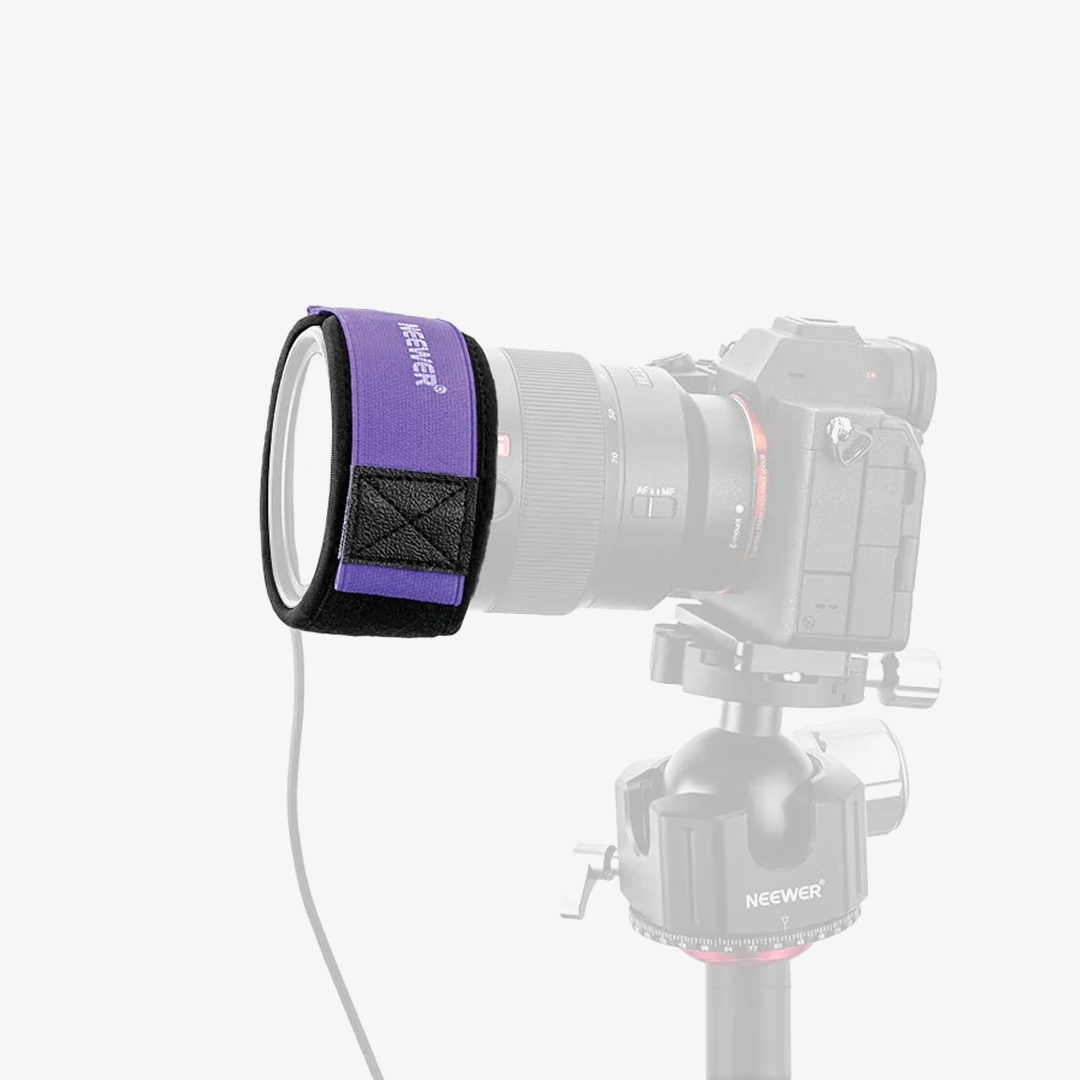


NEEWER DL400 Upgraded Motorized Camera Slider Dolly with App Control

NEEWER products purchased from the official website are covered by a 2-year warranty and 30-day hassle-free returns.
Ships from our Canadian warehouse. Delivery in 2–7 business days (after dispatch). Learn more in Shipping Policy.

Description
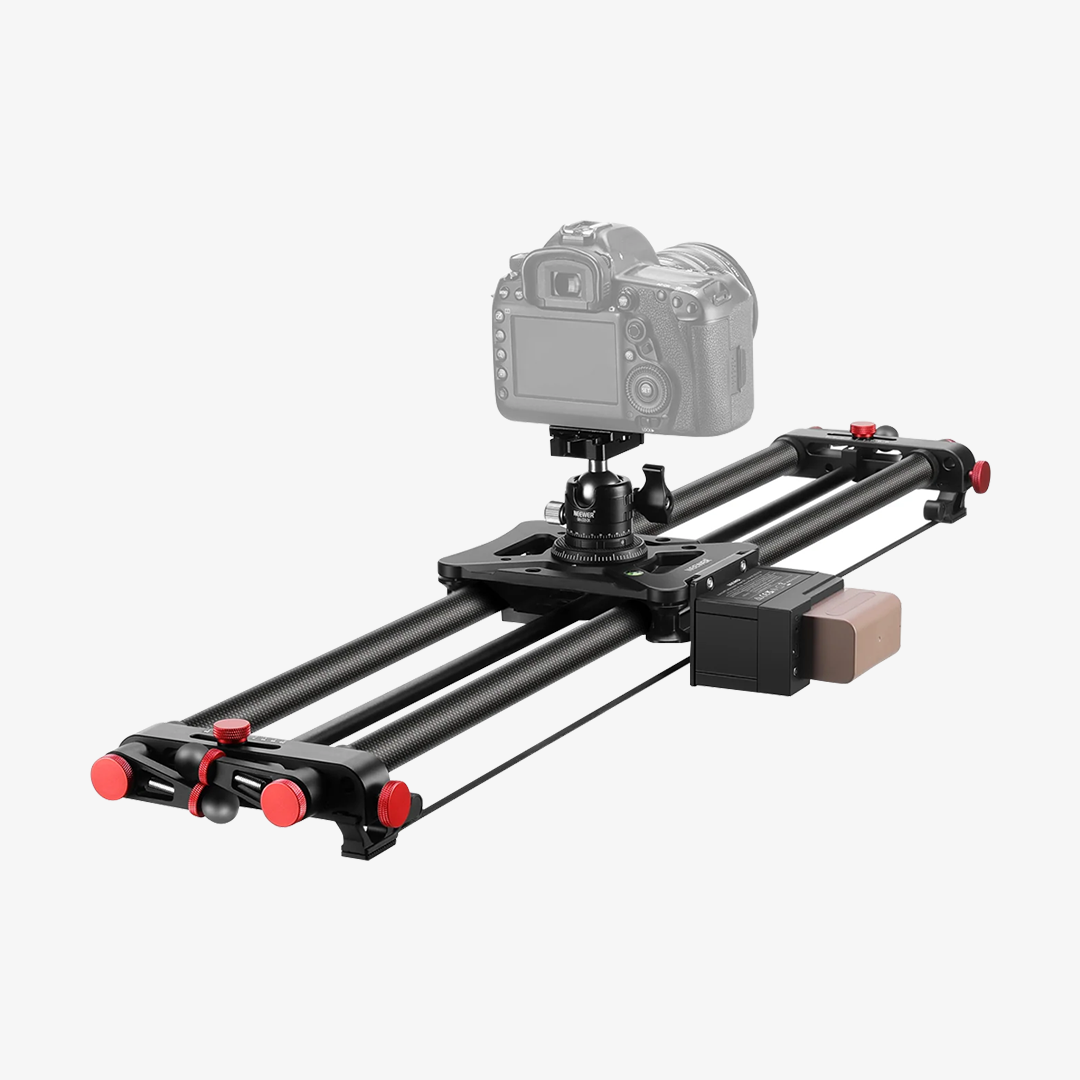
- Enhanced Motorized Camera Dolly- The motorized camera slider dolly upgrades its wheels with non slip rings, with ultra quiet dual motor for silent use below 30db, as photography mount motion accessories compatible with Canon Sony Nikon Fujifilm fuji DSLR cameras. Max Load 6.6 lb
- Smart APP Mobile Control- With the NEEWER App, you can shoot wirelessly from your phone in Manual, Live Video, or Time Lapse modes. Note: Time Lapse photography requires a camera shutter cable (separately purchased)
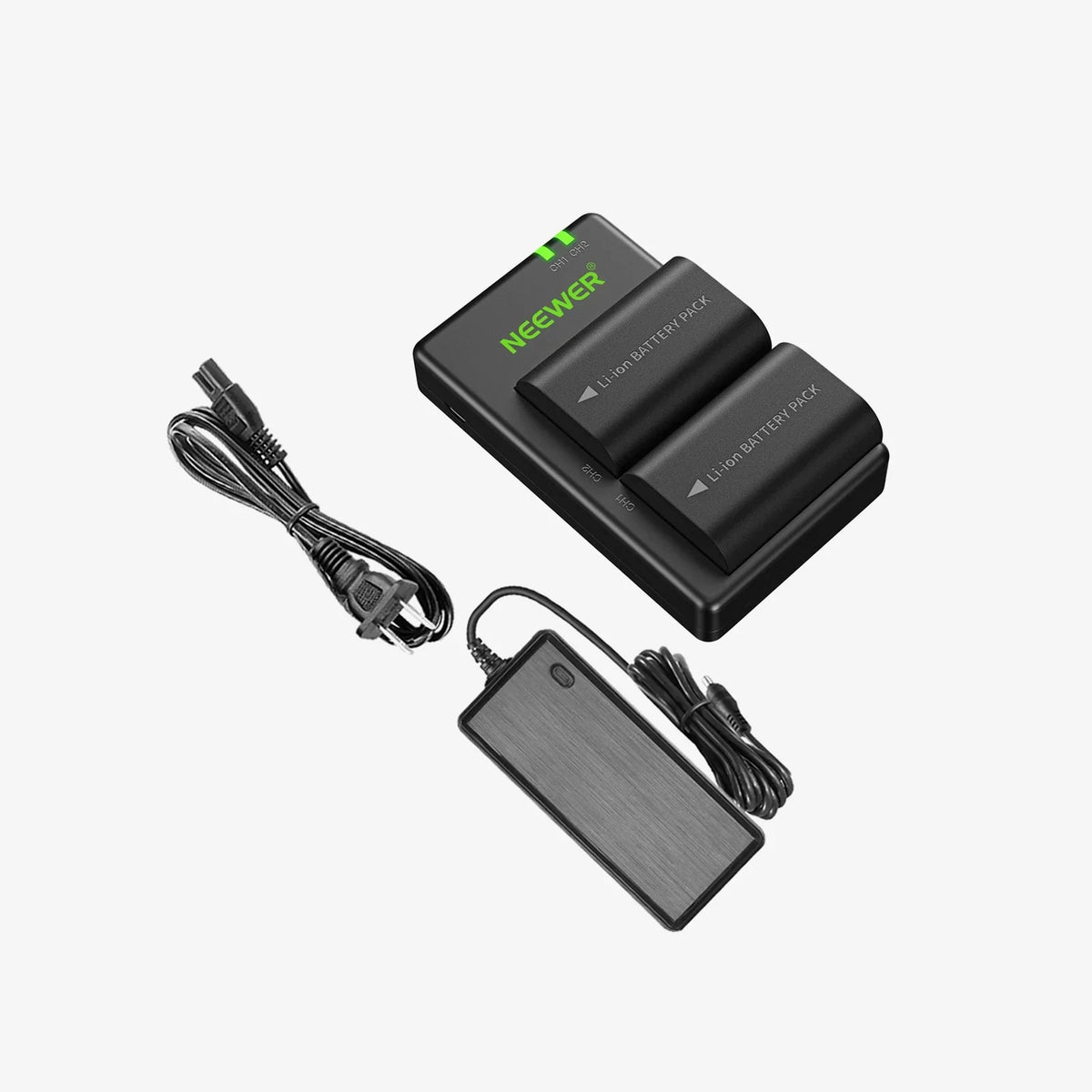
- NP-F750 Rechargeable Battery- The electric camera slider dolly car includes an NP-F750 battery with up to 5 hours of runtime, plus a USB C cable for charging and firmware updates. Note: Fully charge the battery before first use to extend lifespan
- Precise Motion & Flexible Use- The camera dolly supports ±30° manual left/right movement and 5 speeds (60s/m, 50s/m, 35s/m, 25s/m, 15s/m), with a ball head for 360° rotation and 90° tilt. Note: Do not start at 60s/m going uphill to avoid shaking
- For Cell Phone & Action Camera- Included accessories compatible with iPhone 17 Air 16 e 15 Pro Max Plus i Phone Samsung Galaxy S25 Ultra Android Pixel 10 Pro smartphones; compatible with GoPro Hero 13 Go Pro 12 DJI OSMO Action 6 Pocket 3 Insta360 X5 Insta 360 Ace Pro 2 action cameras, as content creator essentials and influencer must haves
Specifications
- Model: DL400
- Item Type: Motorized Camera Dolly
- Compatibility: DSLR/Action Camera/Phone
- Application: Photo & Video
- Main Features: Non Slip Wheels
- Mounting Points: 1/4"
- Load Capacity: 6.6 lb (3 kg)
- Dimensions: 9"x6.9"x2.6"/229x175x65mm
- Weight: 3.75lb/1.7kg
Package Contents
- 1 x DL400 Motorized Camera Dolly
- 1 x NP-F750 Replacement Battery
- 1 x USB Type C Charging Cable
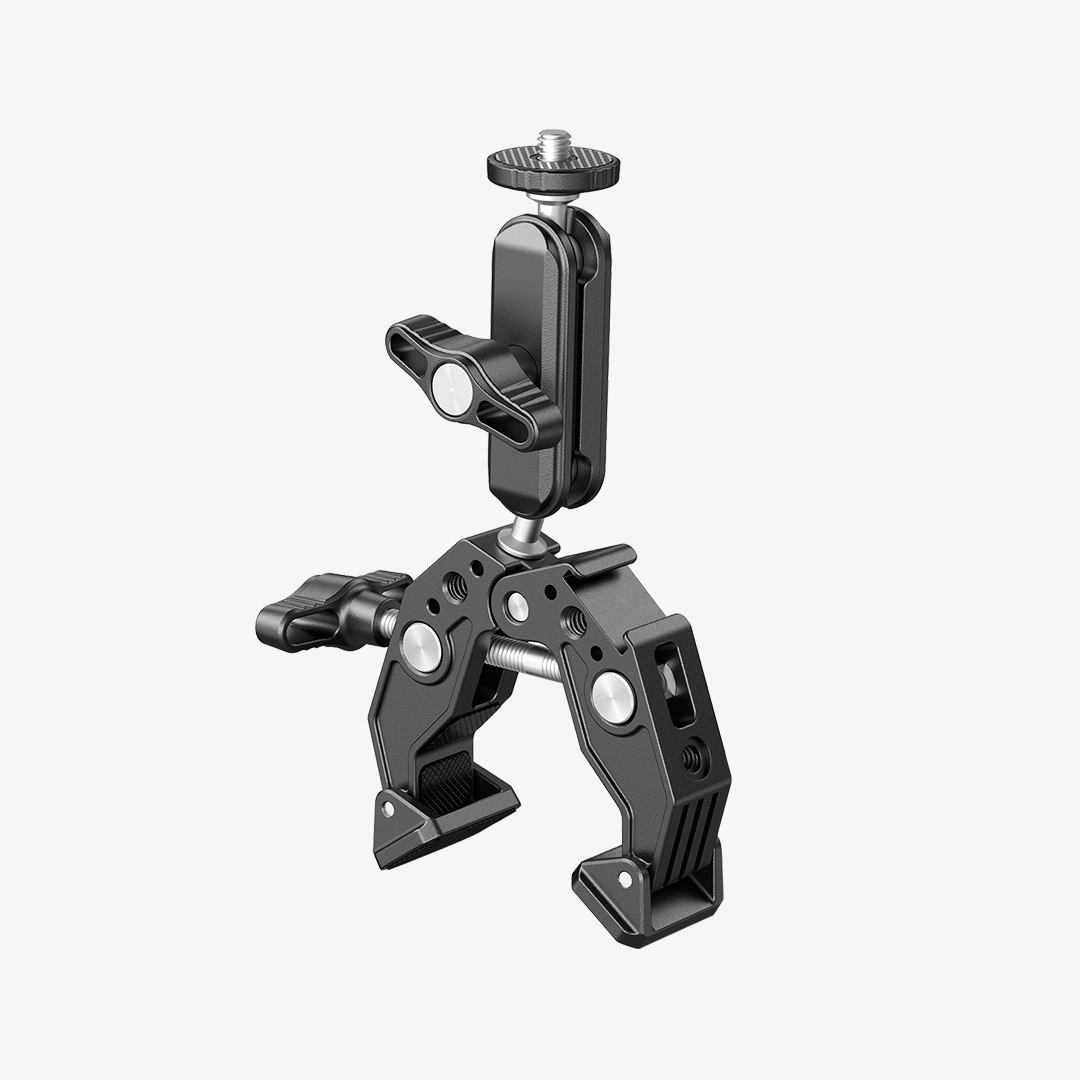
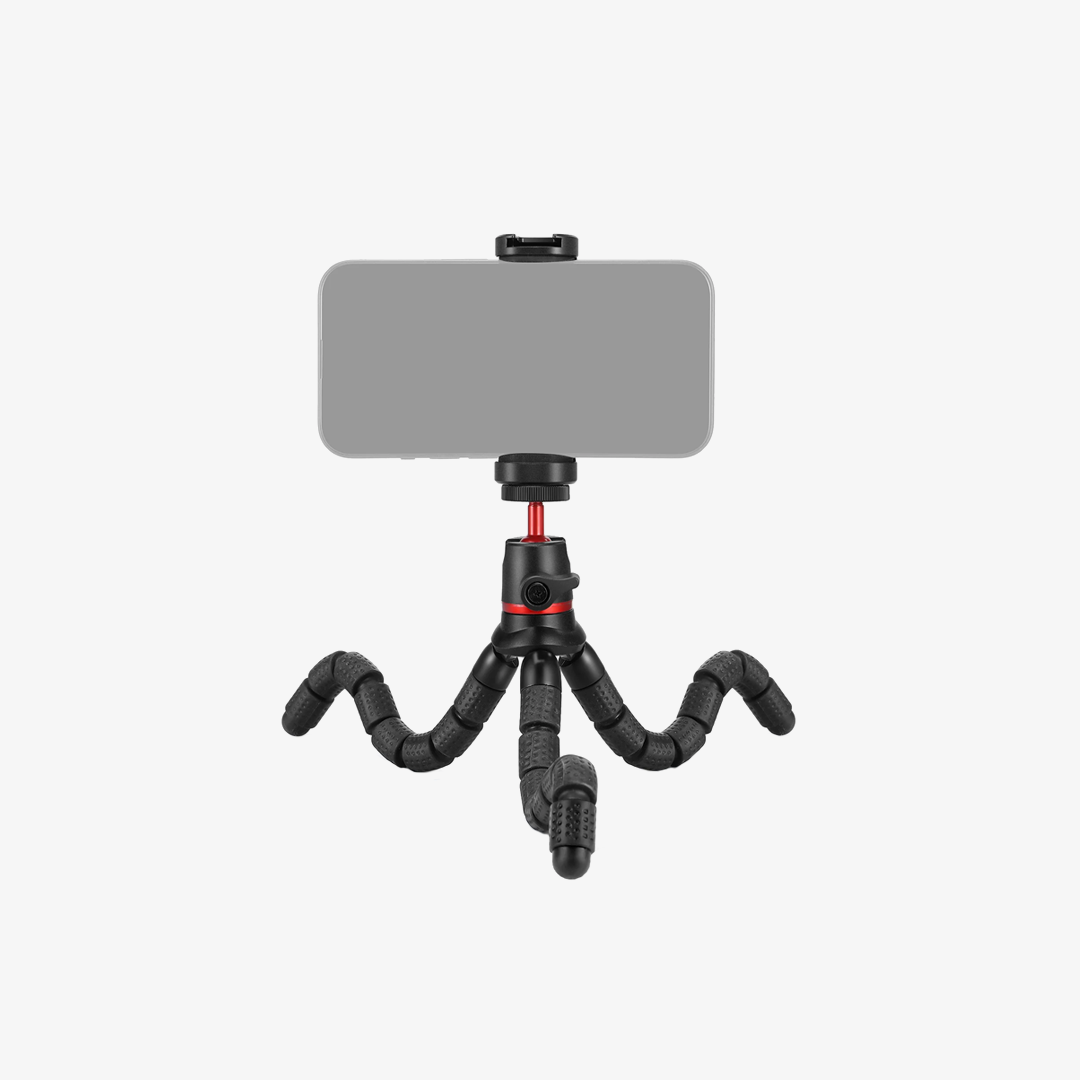
- 1 x Action Camera Mount
- 1 x Upgraded Phone Holder
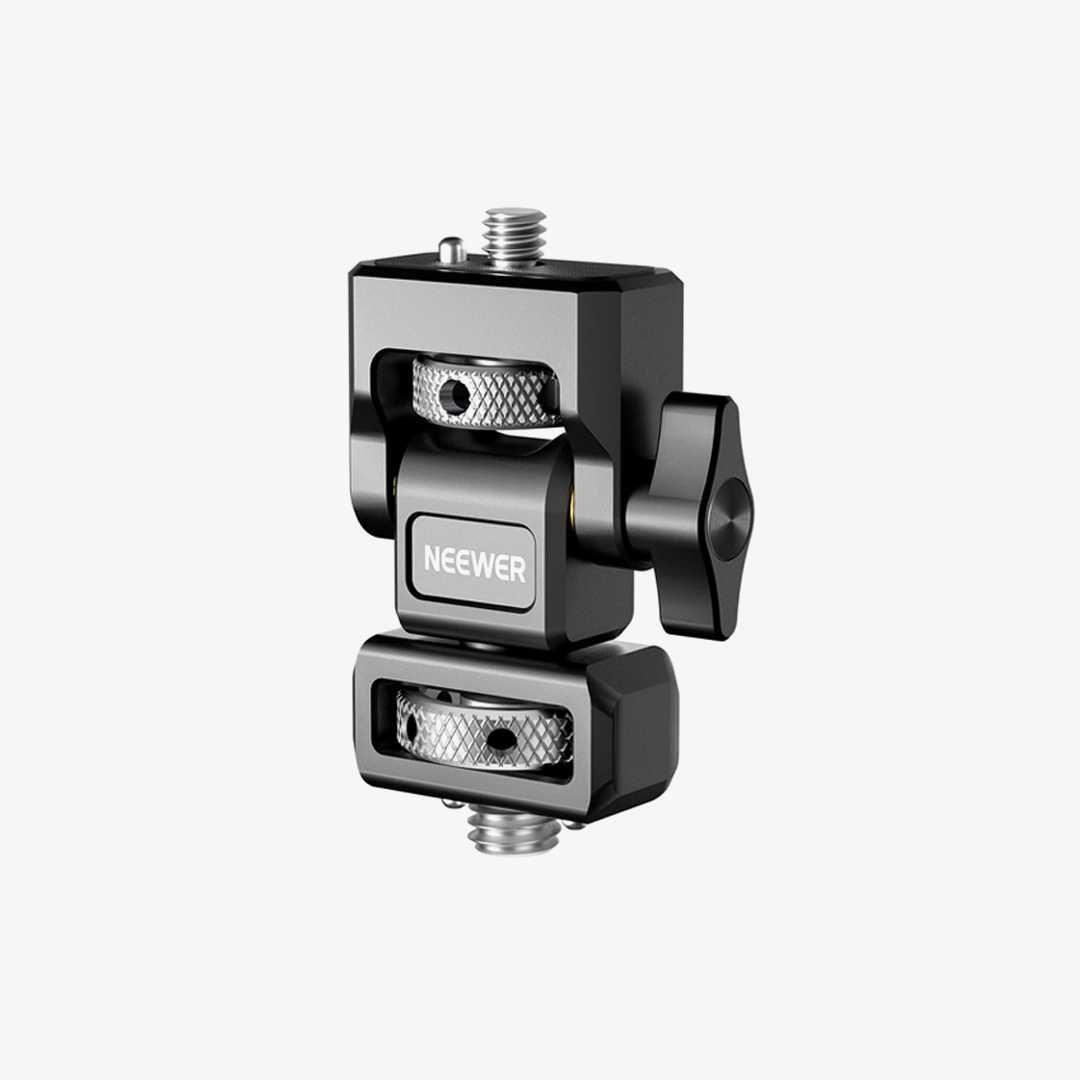
- 1 x Ball Head Adapter
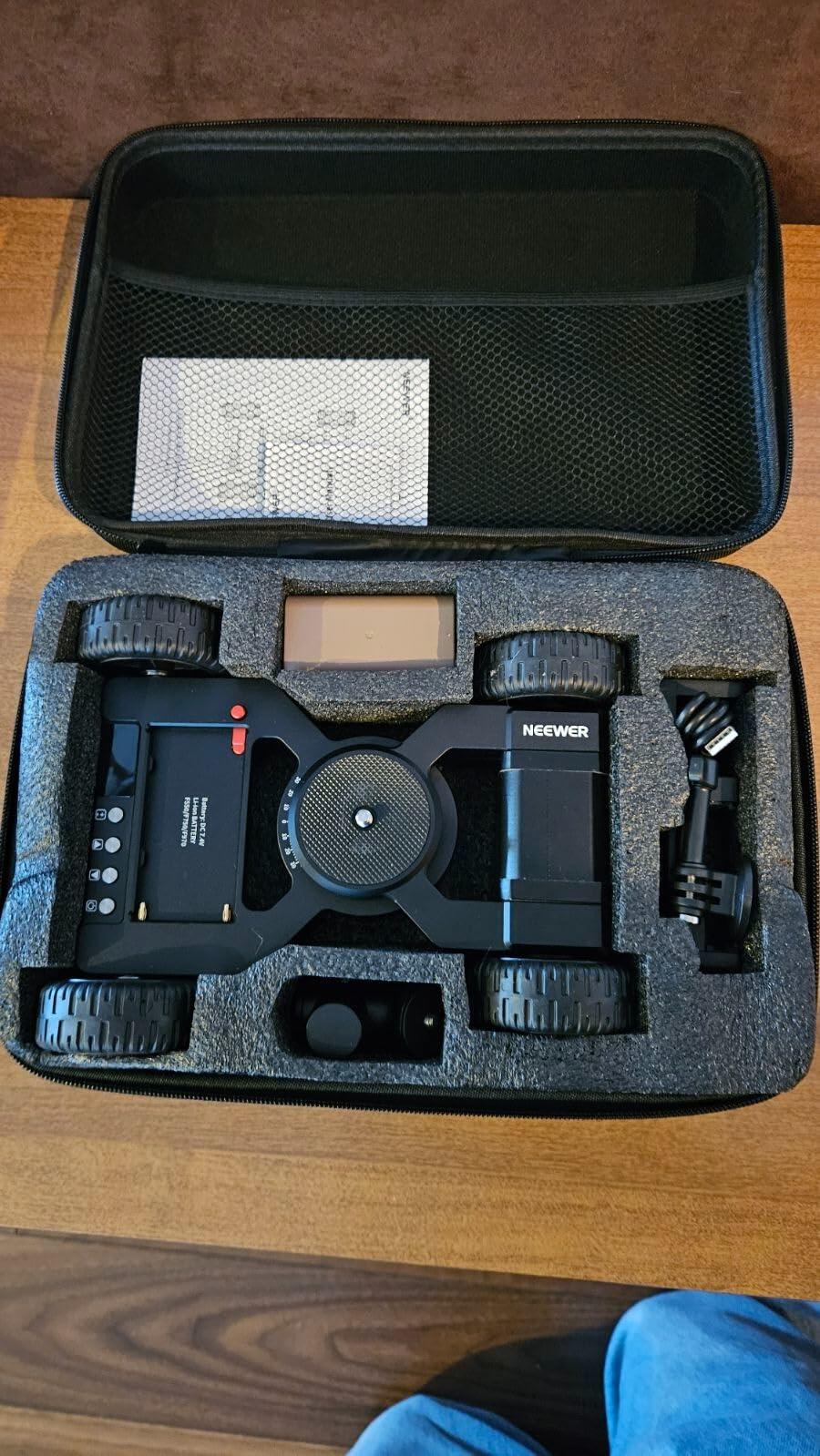
- 1 x Storage Bag
- 2 x Tire Ring (Spare)
Step Up Your Camera GameThis camera dolly is awesome. The wheels are pretty hard and have a nice grip to them. The controls are very simple, and the camera mount fits all my other camera equipment. The phone holder works great and holds my phone very firmly. It all fits nicely into the carrying case for easy storage and transportation. I really like this little dolly, and I will be using it a lot.
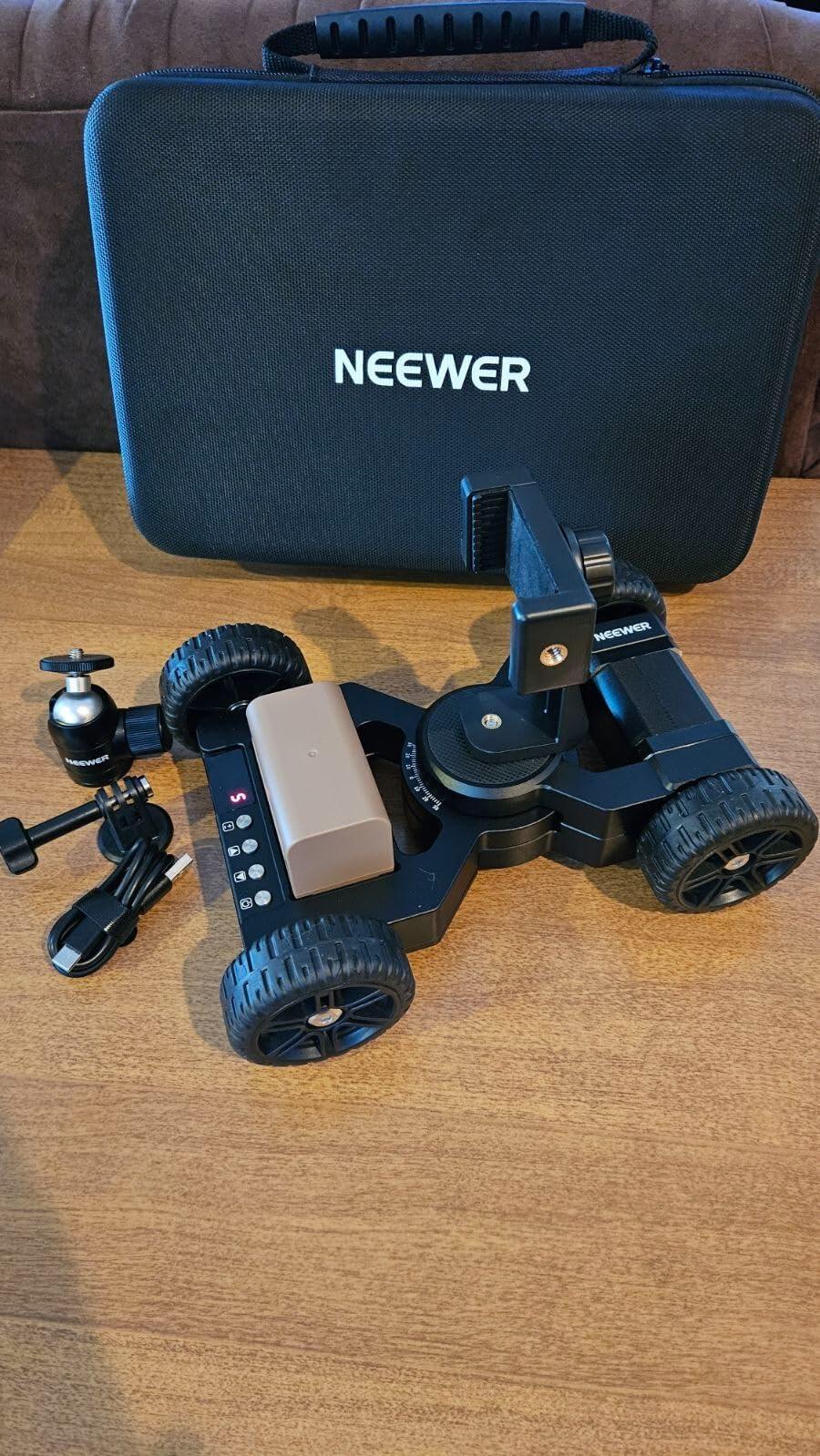
*** The good 👍 ***✅ Let's start with the video shoot in the second half of my video. I did a side-by-side montage of the dolly running and the video being filmed. I was amazed by the consistent speed and the point-of-view from this level.✅ The wheels are made of a very soft rubber that helps dampen vibrations and keep the dolly precisely on its trajectory.✅ The software is very user-friendly. For example, the first thing that happened after I paired the DL400 and the App was to suggest a firmware upgrade. I simply accepted the action and in less than 2 minutes, the whole process was completed successfully without any intervention of mine.✅ The 3Kg max weight allows using a semi-pro camcorder (below 2,8Kg) and a mount and still be ok.*** Additional Comments ***👉 Keep in mind that once the running speed is set, it cannot be adjusted on the fly. I had to stop the dolly, move the slider up, and then start it again.Verdict: 5⭐I hope my real-life review will be helpful to you.
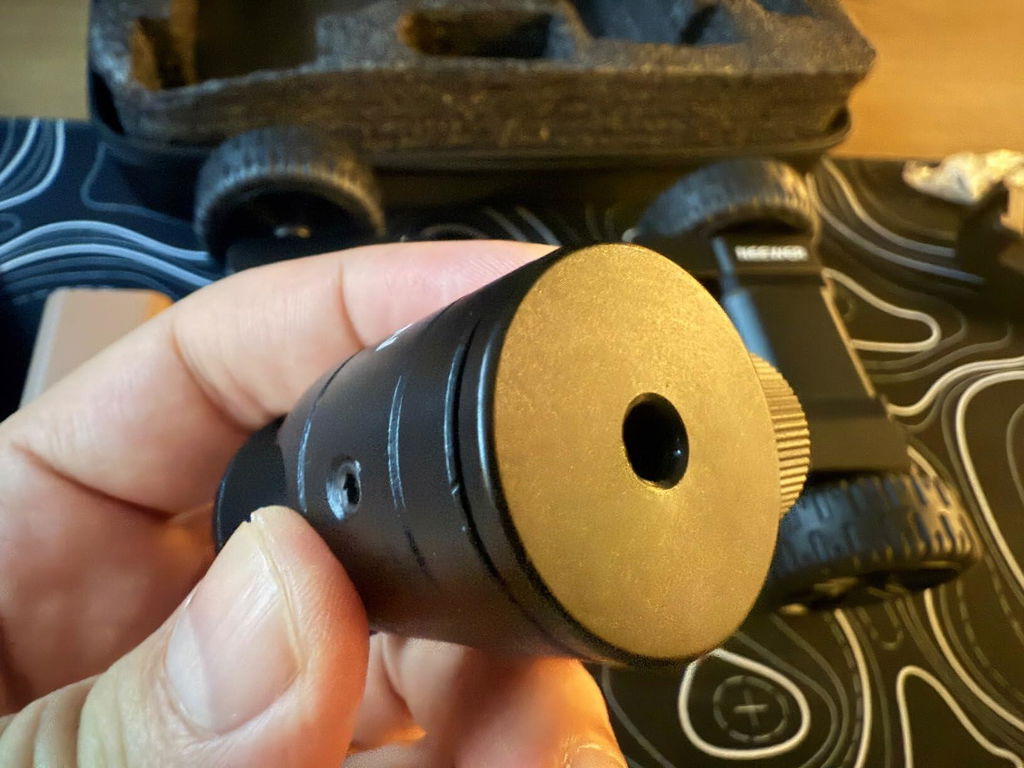
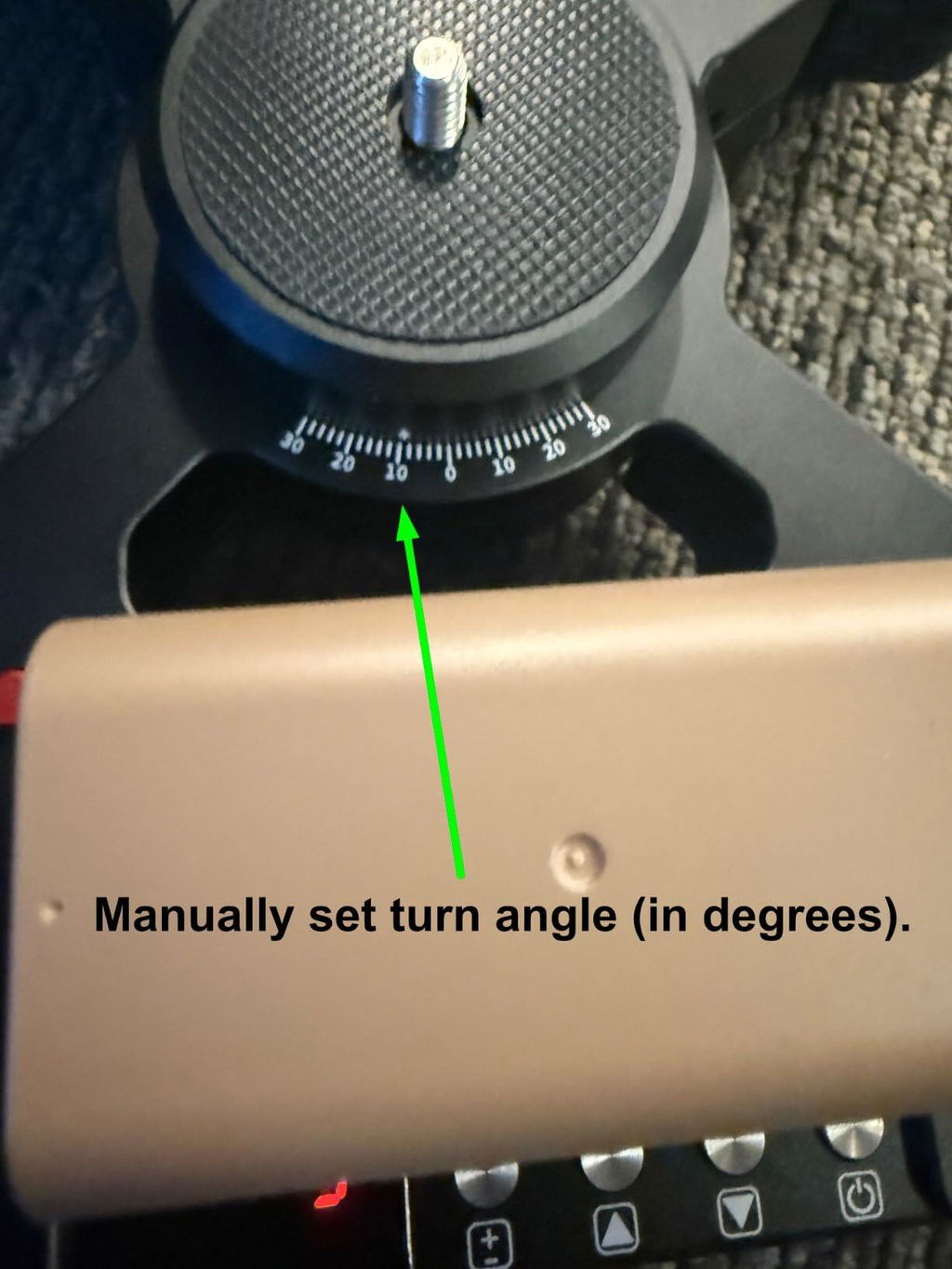
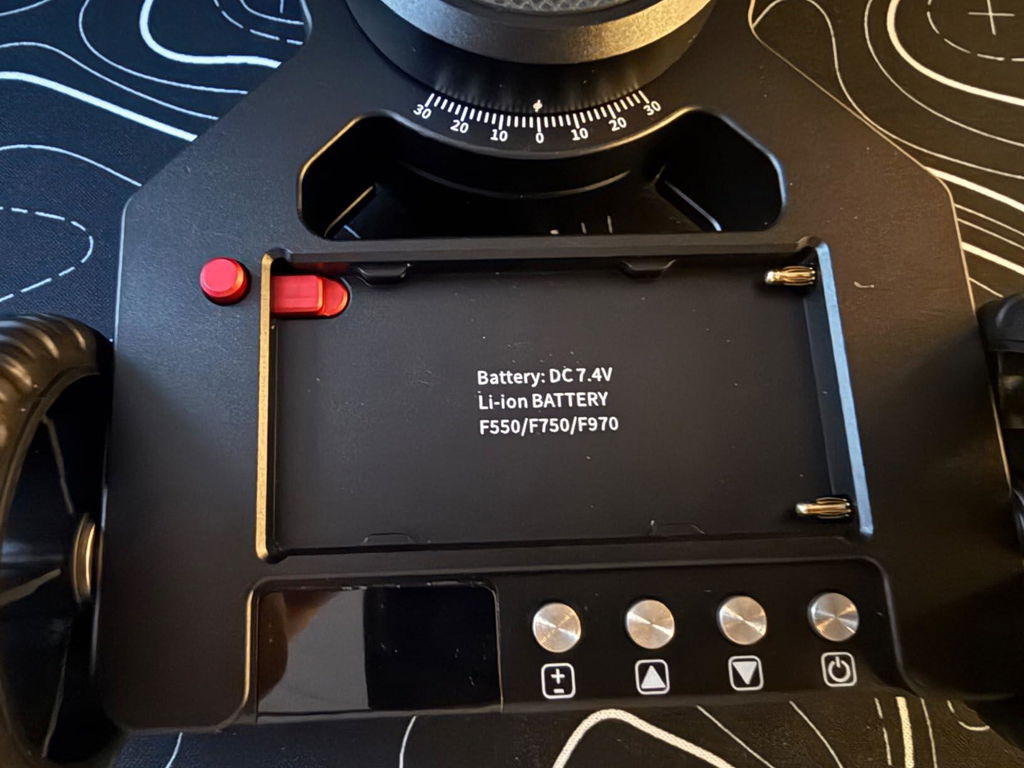
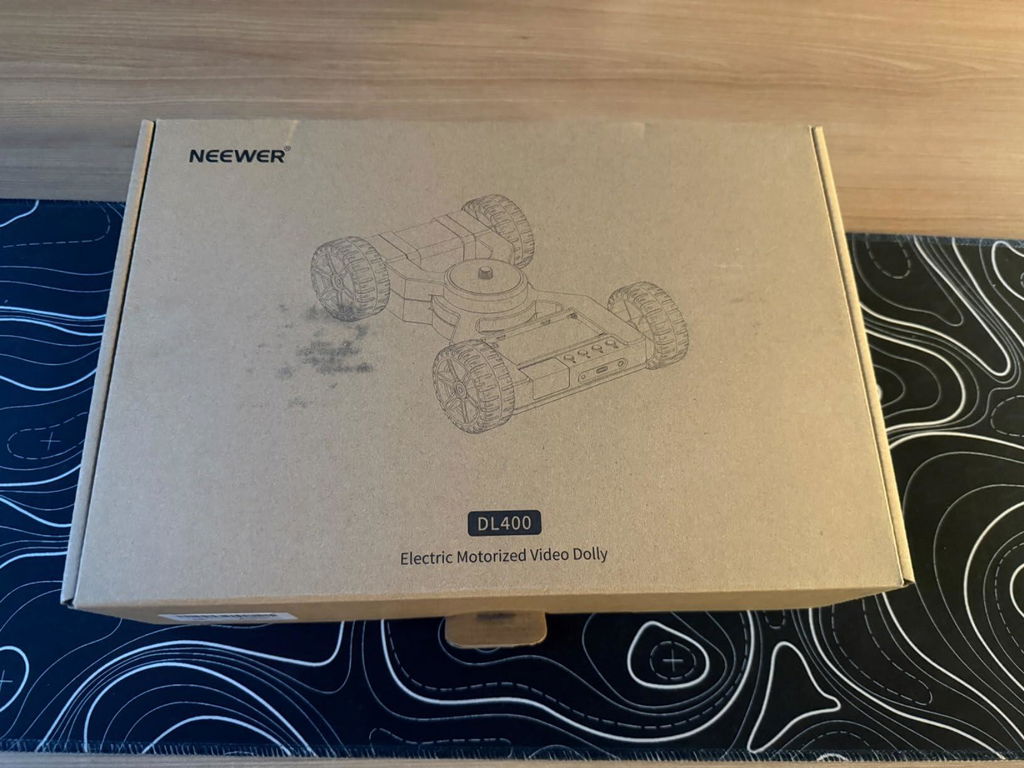
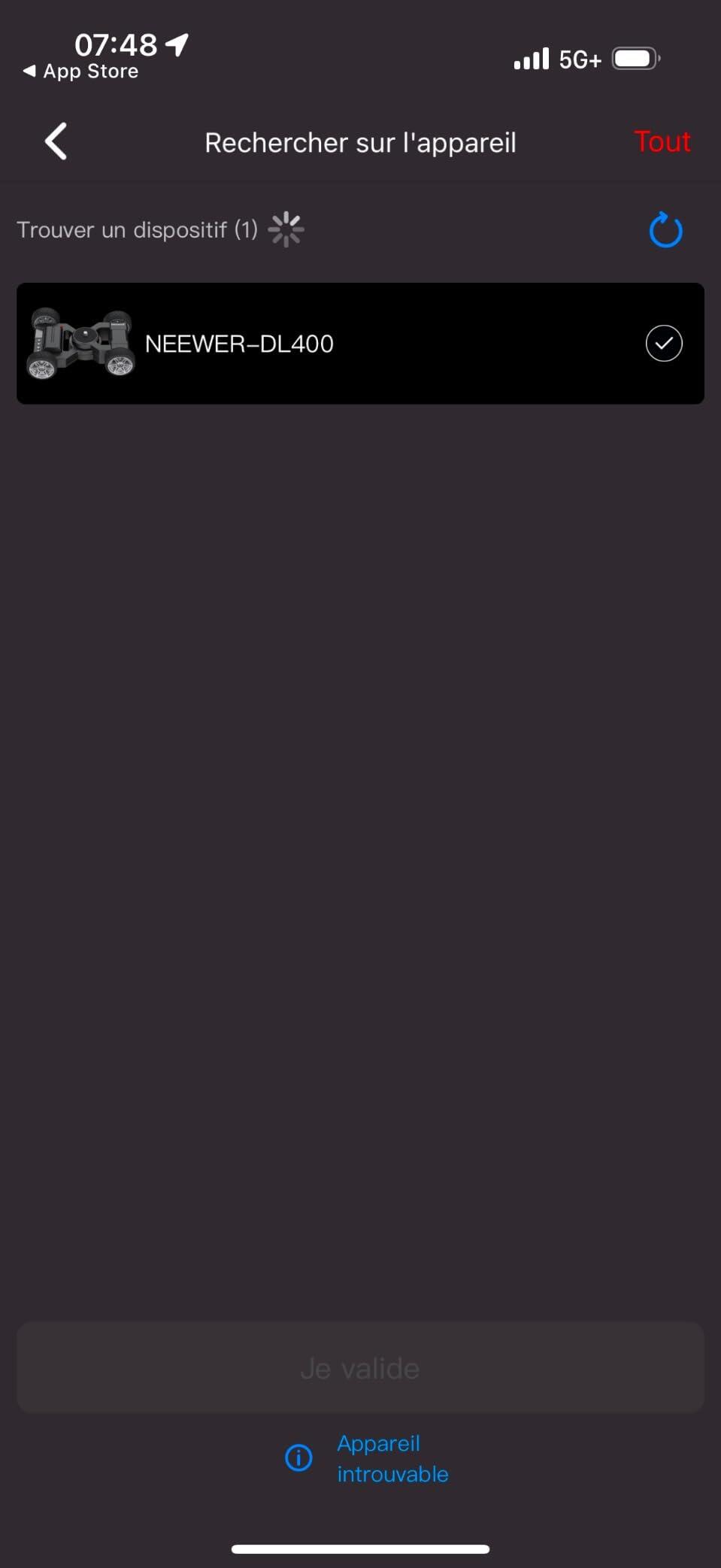
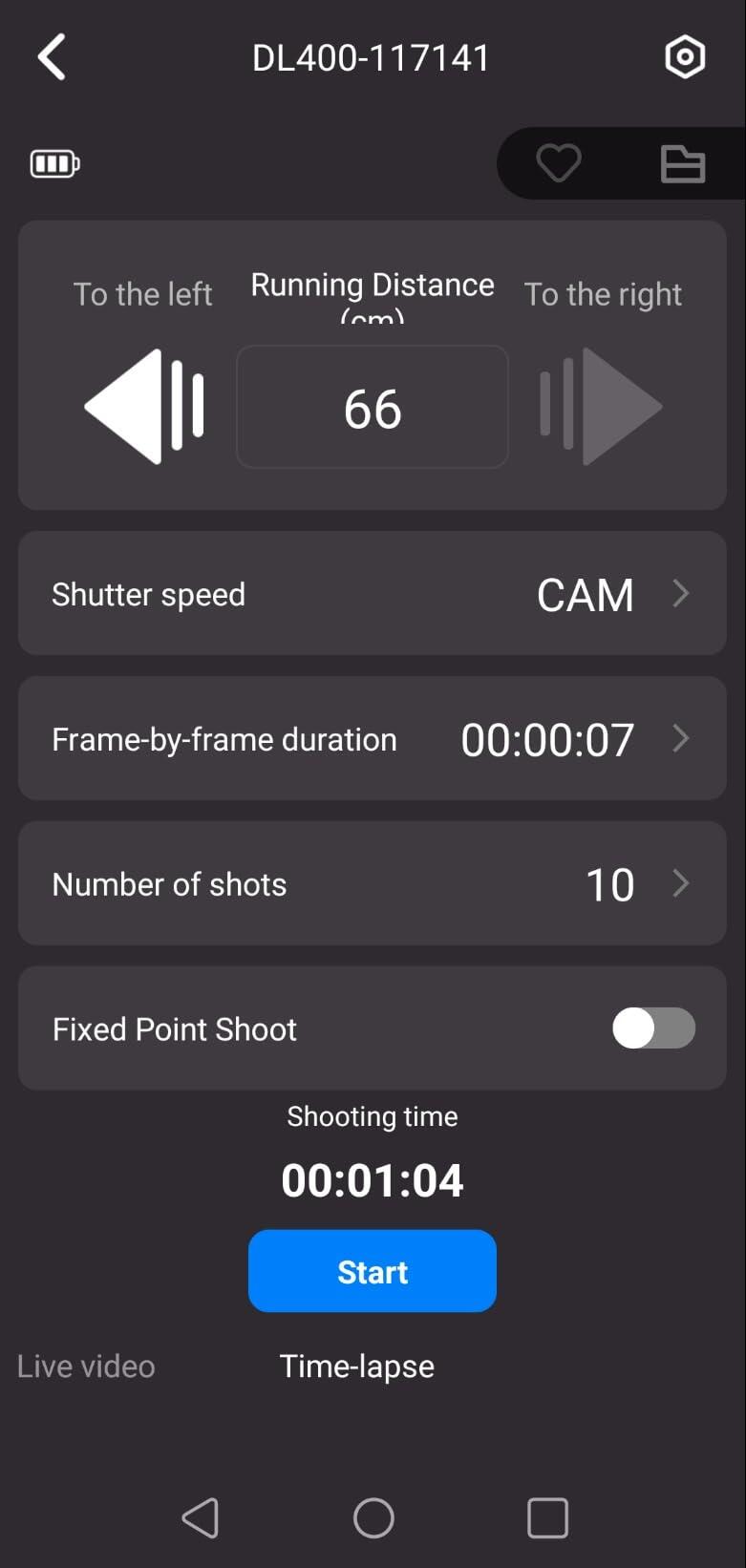
Just a caveat, I am new to videography so video equipment like gimbals and dollies are all new to me. This review is more from a beginners perspective and there may be features and functionality I didn't quite get to try. I have been researching and looking at a dolly for a little bit of time but was thinking to get one of the slider types that can also sit on a tripod. I wanted something to take product videos on a desk, and possibly outdoors for some cool timelapse. Then, I saw this motorized dolly and I thought that it would be cooler to get one of these, and also for its compact size when compared with the track ones!First off, I was totally surprised by the weight of the Neewer DL400 Motorized Camera Slider Dolly! It definitely isn't the type that you would carry around with you and use on the go. There is a nice folding model from Neewer that looks perfect for travel. However, if you need something hefty then the DL400 is the one you need to get. It has a heavy metal body with actual rubber treaded wheels. The wheels even look like they are mounted on alloy rims! You don't have to limit the use of the DL400 on flat and smooth surfaces only, like the DL200 and DL300! It can also do inclines up to 30 degrees, which again, the smaller dollies cannot do. With the DL400 motorized dolly you also get a good size battery and a standard USB-C charge cable. You can plug the USB cable directly into the battery. Now, on the mount side, you get a ball joint mount with the standard 1/4" screw to attach a camera on with. You get a cell phone holder and also an action camera (i.e. GoPro) mount. The ball joint mount is SOLID. It is made of metal and heavy. The cell phone mount is a bit of a disappointment when compared with the ball joint mount, as the cell mount is made of so-so looking plastic. All the accessories attach to the 1/4" screw mount on the dolly itself. I do wish Neewer included quick attach/detach mounts, which would have made switching out gear much easier and faster. Also, as bonus you get a nice zip hard case, with foam cutouts, for the dolly and all its accessories. Lastly, you get a small instruction booklet. Unfortunately, the booklet is not very detailed, which did leave me wondering how some of the features worked. There are QR codes to online material, but still not everything was explained. If you get the DL400 you will have to play around to figure out everything!The dolly can be controlled from a panel located on one end of the dolly itself or controlled through an app that connected to the dolly via Bluetooth. On the dolly the controls are very simple. You get a power button (long press), a forward button, a reverse button and a speed button. To start the dolly moving you just press the forward or reverse direction button. It will slowly start working it's way up to the speed set. If you want to stop, and if going in the forward direction for example, you would press the forward button again. The dolly will slowly slow down to a stop. You can reverse direction without having to stop the dolly. The dolly has a manual turn 30 degrees to either side as it has a hinge built into the middle of the body. Basically you will have to set the amount of turn you want before you start the dolly movement. There are also a couple ports on the control panel end of the dolly, beside the status/power LED. You get a 5V/2A USB-C port (I am not sure if this is a charge in or out port?) and you get a 2.5mm jack to control the shutter on a camera. Unfortunately you do not get a cable though.On the app side you will need to discover and add the DL400. With the app you can control the dolly manually or you can use two other photo/video options. You can do Live Video or you can do Time Lapse. In Live Video mode you can set the direction the dolly will move in, the distance it will travel (2.2-32.8ft/66-999cm), and the movement mode (constant/slow). In Time Lapse you can set the shutter speed, a frame by frame duration, the number of shots to take, and fixed point shoot, which honestly I am not sure yet what it is for. I do think Time Lapse is pretty cool though the effects you can get, especially for night sky or scenery shots. The dolly will move a set distance, stop, shoot a picture, then move a set distance again, and the cycle repeats until the number of shots are taken. You get a unique effect of the perspective and the sky changing all at the same time!Overall, this is an amazing dolly especially for studio or dedicated photo shoots. It is probably too heavy and bulky though for travel (unless you are a pro photographer travelling for work lol). The dolly feels very high quality, made with mostly metal construction. The manual angle hinge feels super smooth and dampened. The controls on the dolly are easy to operate, allowing you to control direction and speed. It also comes with a large battery to operate the dolly for up to 5 hours. By connecting to the Neewer app, you can control the dolly remotely, eit...
Well designed and built tool that serves its purpose.
I am a camera gear nut job. I love to try everything in photography and videography. I have wanted a dolly for a long time and now that I have one, I can’t stop “playing” with it! This dolly is made super well. The metal is machined perfectly and the finish is awesome. It comes with a battery and it’s an NP-F battery, so it’s not proprietary.There is a gauge marked on the body of the dolly to get your angle. I really didn’t use the gauge much yet, as I’ve been testing it on areas that are not perfectly smooth. Everything fits nicely into a hard shell case that comes with the dolly. You also get a phone holder and a mini ball head. The controls are easy to use (I’m not an app person so I focused on the manual controls). You go either forward or backward and there are 5 speeds. The buttons are very responsive. The motor is barely audible.So, here’s why I’m really sold on the motorized dolly. You can get so many shots that you can’t get if you are hand holding a camera. First, you are able to get shots from under something (like a table). Set the camera and let the dolly run under the object. Second, you can set the dolly to angle around you creating the illusion of a second camera person being with you. I was able to connect my gimbal to the dolly and since it has AI to find me, both the dolly and the camera were moving and creating a really cool shot of me (and looking like I actually have a camera “crew”). For note, when I used the gimbal, I used an action camera so I wouldn’t be overweight for the dolly. The dolly can handle up to 6.6 pounds, which is impressive. You can use a DSLR camera with the dolly. For the DSLR, I used another ball mount I had to get the camera up above the dolly more than the included ball head could do. For note, if your surfaces are not totally smooth, you will probably want your camera stabilization to be on. The dolly does not appear to have stabilization.Other shots I did involved making a ramp out of a board and letting the dolly go up or down it. You won’t want the ramp terribly high, but it does work well and depending on whether you angle the camera facing in the same direction, sideways, or the opposite direction, you get different perspectives. I was impressed with the dolly motor’s ability to scale the board without a problem.This led me to taking the dolly into the woods with me. I will mention that carrying the dolly adds weight to your backpack. The dolly is heavier than I thought it would be, but to me this makes it more stable. I did try the dolly on rough terrain. It doesn’t work well due to the low wheel base, but I found a work around. Using an old thin yoga mat with a little texture across rougher terrain, you can get the dolly to perform well. The motor of the dolly was plenty strong enough to take grip to the yoga mat when spread across small pebbles. You will get “bouncy” shots and I would advise using an action camera with really good stabilization or a way to “lock” your subject.This brings me to my “wish” list items. Given the price point, the dolly is well worth what you get especially since it comes with a battery. However, I would like to see “accessories” like larger tires to clear rougher terrain and a suspension system if possible. It would be nice to use this on dirt paths or crushed stone walkways.Overall, I’m having probably way too much fun with this dolly and pushing it to its limits. I would definitely recommend it.
This slider/dolly kit from Neewer is a game changer. Like many other products from Neewer, the kit is ready to go and you don’t have to make additional purchases to make this device work. The kit comes with the slider/dolly unit, USB chargeable NP series battery, USB cable, ball head, action camera adapter, phone adapter, and a manual in a partitioned foam linter carrying case.Included battery has good capacity at 4400 mah (32.56wh) but it takes a long time (~ 4 hours) to charge as it may not support fast charging. Dolly unit itself is heavy. Compared to the 3 wheels one I have, this one feels substantial and the build quality seems to be very good. Unlike the O-ring tires on 3 wheel dolly which required smooth surface, the wheels on this dolly makes it possible to use it on variety of surfaces, which is a huge plus. Included ball head is ok but I replaced it with a heavier duty one I had lying around. Once powered on, you can use the buttons on the unit itself to select its speed and to make it go forward and backwards.Additional functions are available through the app. I like that you can control all sorts of devices using a single Neewer app and through the app, you can configure constant speed or gradual increase to preset speed. When using the app, the battery side should be facing left if you want the match the directional arrows in the app. You can also set A/B points and other features, such as timelapse photography setting is available. App makes it possible to conveniently remotely control the dolly, which makes it easy to use. Overall, excellent dolly which expands shooting possibilities. Highly recommended!!